

-
GAME
-
SHOP
-
NEWS
-
DOWNLOAD
-
COMMUNITY
-
LEADERBOARD
-
ACCOUNT
-
SOCIAL MEDIA

2nd STEP VERIFICATION
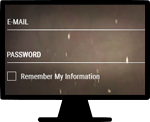
1. Enter your account credentials
Whenever you sign into Astellia, you will enter your email and password as usual.
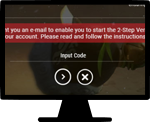
2. Enter the Google Authenticator code
Next, you will be asked for a code that will be displayed on Google Authenticator.

3. That's it. You're logged in
Second step verification strengthens security by applying OTP verification code of the Google Authenticator, ensuring a more secure log-in process.